
Two ways on setting up  Designer on Ubuntu 26.04 LTS
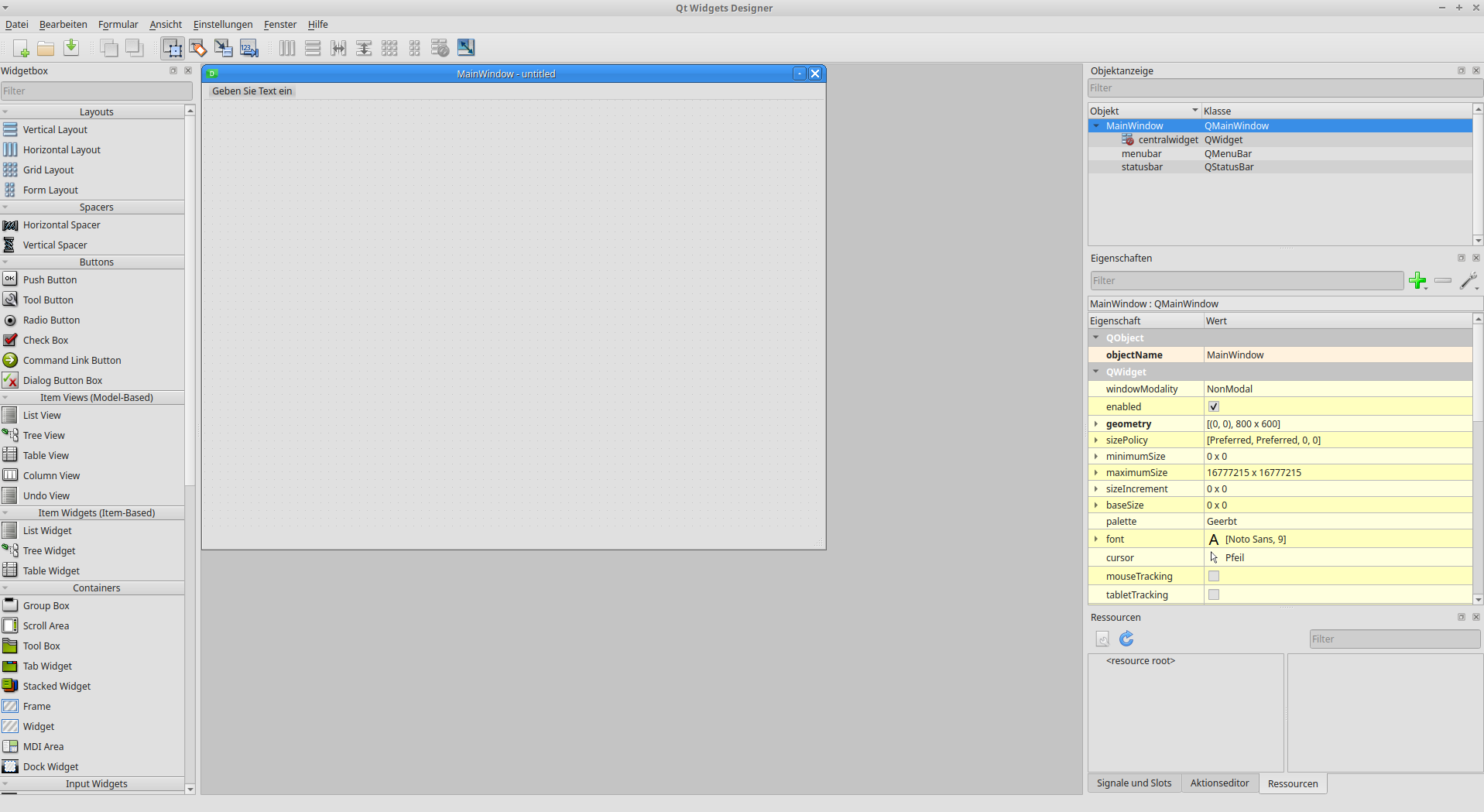
Install Qt Widget Designer 6.11.1 as Python-Package (pyside6)
Install the PySide6 Python-Packages:
pip3 install pyside6
Executable for Qt-Designer will be found at: $HOME/.local/lib/python3.10/site-packages/qt6_applications/Qt/bin/designer
To Convert ui-File to Py-File use following console-command:
Usage of PyUIC6 (Python-Package)
pyside6-uic [ui-File] -o [OUTPUT-File]
Install QtDesigner 6.10.2-1 as Ubuntu-Package
Install PySide6 as Python-packages (for PyUIC6) first:
pip3 install pyside6
Then install the Designer Ubuntu-Packages:
sudo apt install designer-qt6
Executable for Qt-Designer will be found at: /usr/lib/qt6/bin/designer
To Convert ui-File to Py-File use the same following console-command:
Usage of PyUIC6 (Python-Package)
pyside6-uic [ui-File] -o [OUTPUT-File]