
Two ways on setting up  Designer on Ubuntu 24.04 LTS
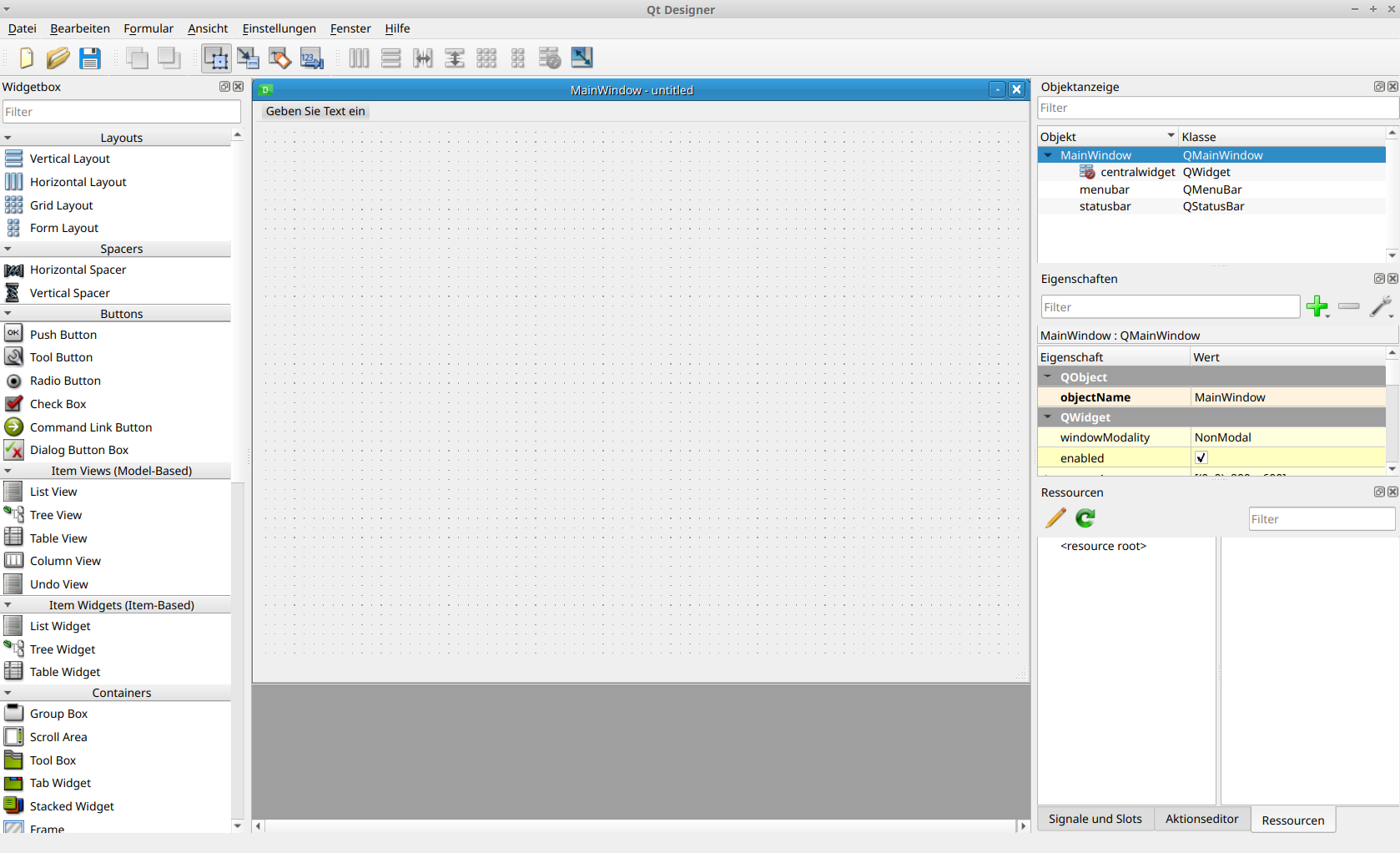
Install QtDesigner 6.5.0 as Python-Package
Install two Python-Packages:
pip3 install qt6_applications pyqt6
Executable for Qt-Designer will be found at: $HOME/.local/lib/python3.10/site-packages/qt6_applications/Qt/bin/designer
To Convert ui-File to Py-File use following console-command:
Usage of PyUIC6 (Python-Package)
python3 -m PyQt6.uic.pyuic [ui-File] -o [OUTPUT-File]

or similar synthax

python3 -m PyQt6.uic.pyuic -o [OUTPUT-File] [ui-File]
Install QtDesigner 6.4.2 as Ubuntu-Package
Install pyqt6 as Python-packages first:
pip3 install pyqt6
Then install two Ubuntu-Packages:
sudo apt install designer-qt6 pyqt6-dev-tools (pyqt6-dev-tools for pyuic6)
Executable for Qt-Designer will be found at: /usr/lib/qt6/bin/designer
To Convert ui-File to Py-File use following console-command:
Usage of PyUIC6 (Ubuntu-Package)
pyuic6 [ui-File] -o [OUTPUT-File]

or similar synthax

pyuic6 -o [OUTPUT-File] [ui-File]